
Backups
Settings → Backups is for administrators of a self-hosted copy. On the hosted version the page is not shown to you. To keep your own records there, export from GSTR-1, the Day Book, ledgers and products.
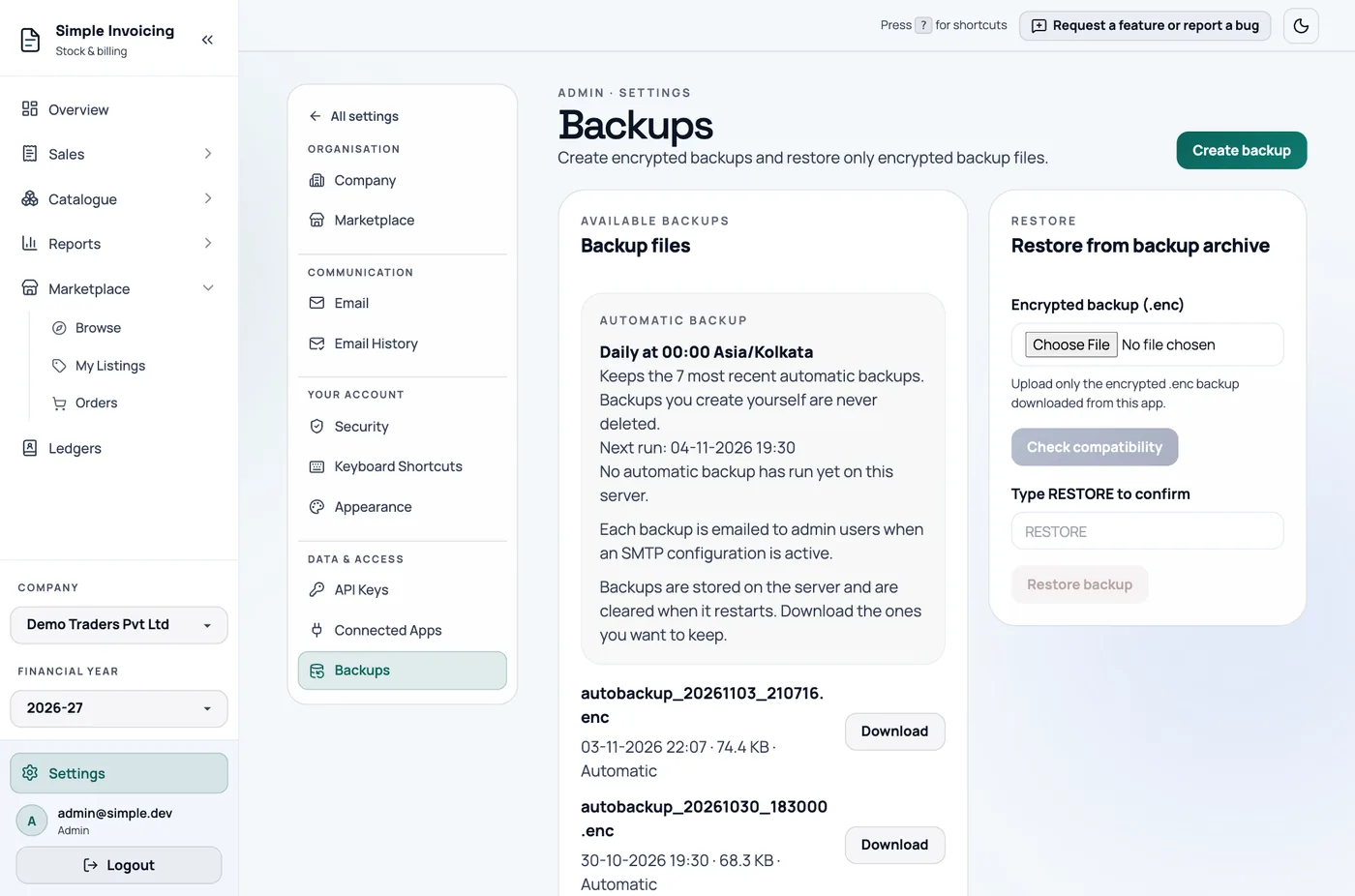
Create and download
Click Create backup, then Download on the new row. Backups are encrypted .enc files of the whole database.
Keep a copy somewhere else
Backups are stored on the server and are cleared when it restarts, unless your administrator keeps them on a persistent volume. Download the ones you want to keep.
Restoring needs the same encryption key on the server. A backup is useless without its key, so store the key safely too.
Automatic backups
When enabled on the server, a backup runs daily, by default at midnight India time. The app keeps the 7 most recent automatic backups, and never deletes those you create yourself.
If mail is set up, each automatic backup is also emailed to the admins. Files over 15 MB are not attached.
The Automatic backup card shows the next run and whether the last run and email succeeded.
Restore
Restoring replaces everything
A restore replaces the entire database, including all companies. Anything entered since the backup is lost. Take a new backup first.
- Under Restore from backup archive, choose the
.encfile. - Click Check compatibility. The result says whether this file can be restored, and why not if it cannot.
- Type
RESTOREto confirm. - Click Restore backup. Do not close or refresh the window.
- When you see Restore complete, click Refresh page.