
API and API keys
Everything in the app is available through a REST API, so you can connect your own systems. Interactive documentation is at /docs on your server, which on a self-hosted copy is http://localhost:8000/docs by default.
To connect an AI assistant, use the connector flow instead of an API key. It is simpler and easier to revoke.
Create a key
Only admins can manage keys, under Settings → API Keys.
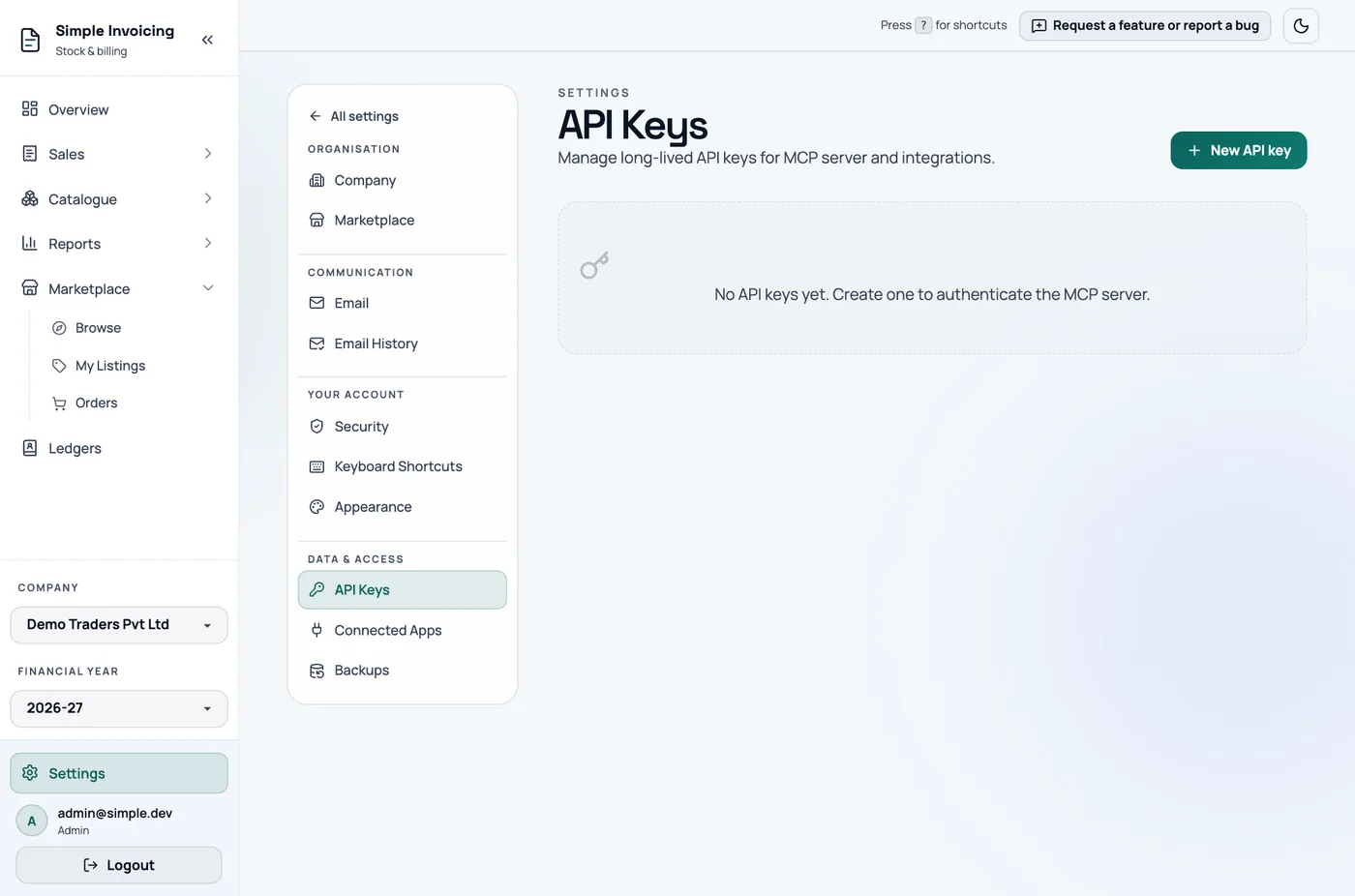
- Click New API key.
- Enter a Key name, such as the system that will use it.
- Choose Expires on, up to one year from today.
- Click Create key.
- Copy the key, which starts with
si_, and store it safely. It is shown only once.
Use a key
Send it as a bearer token:
bash
curl https://app.simpleinvoicings.com/api/invoices/ \
  -H "Authorization: Bearer si_your_key_here"
A key:
- works only with the company that was active when you created it
- acts with the permissions of the admin who created it
- cannot change a password or switch or create companies
Treat it like a password. Never put it in a public repository or a web page.
Delete a key
Click the delete icon on its row. Anything using it stops working immediately. Keys cannot be renewed, so create a new one before the old one expires.