
Tax Ledger
Reports → Tax Ledger tracks CGST, SGST and IGST across every voucher, and estimates the GST you owe for a period after input credit.
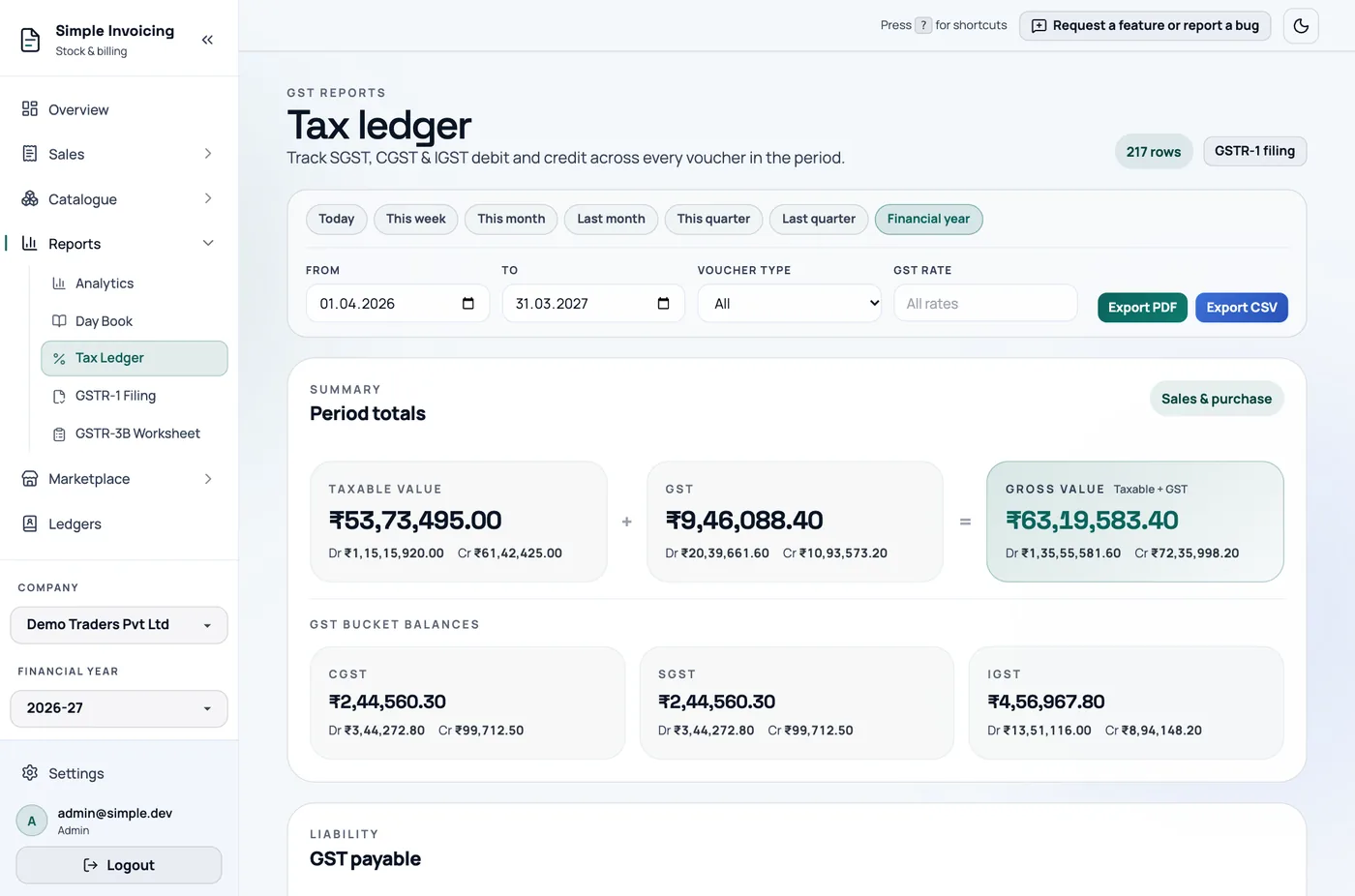
Choose what to see
Use the same date ranges as the Day Book, or your own From and To. You can also filter by Voucher type (sales or purchase) and GST rate. Unlike the Day Book, exports here follow all of these filters.
The entries
There is one row per invoice per GST rate. Credit notes show with a Credit Note tag.
| Document | Side |
|---|---|
| Sales invoice | Debit (output tax) |
| Purchase invoice | Credit (input tax) |
| Credit note against a sale | Credit (reverses output tax) |
| Credit note against a purchase | Debit (reverses input tax) |
Period totals and GST payable
Period totals adds up taxable value and GST, and shows the balance for each of CGST, SGST and IGST.
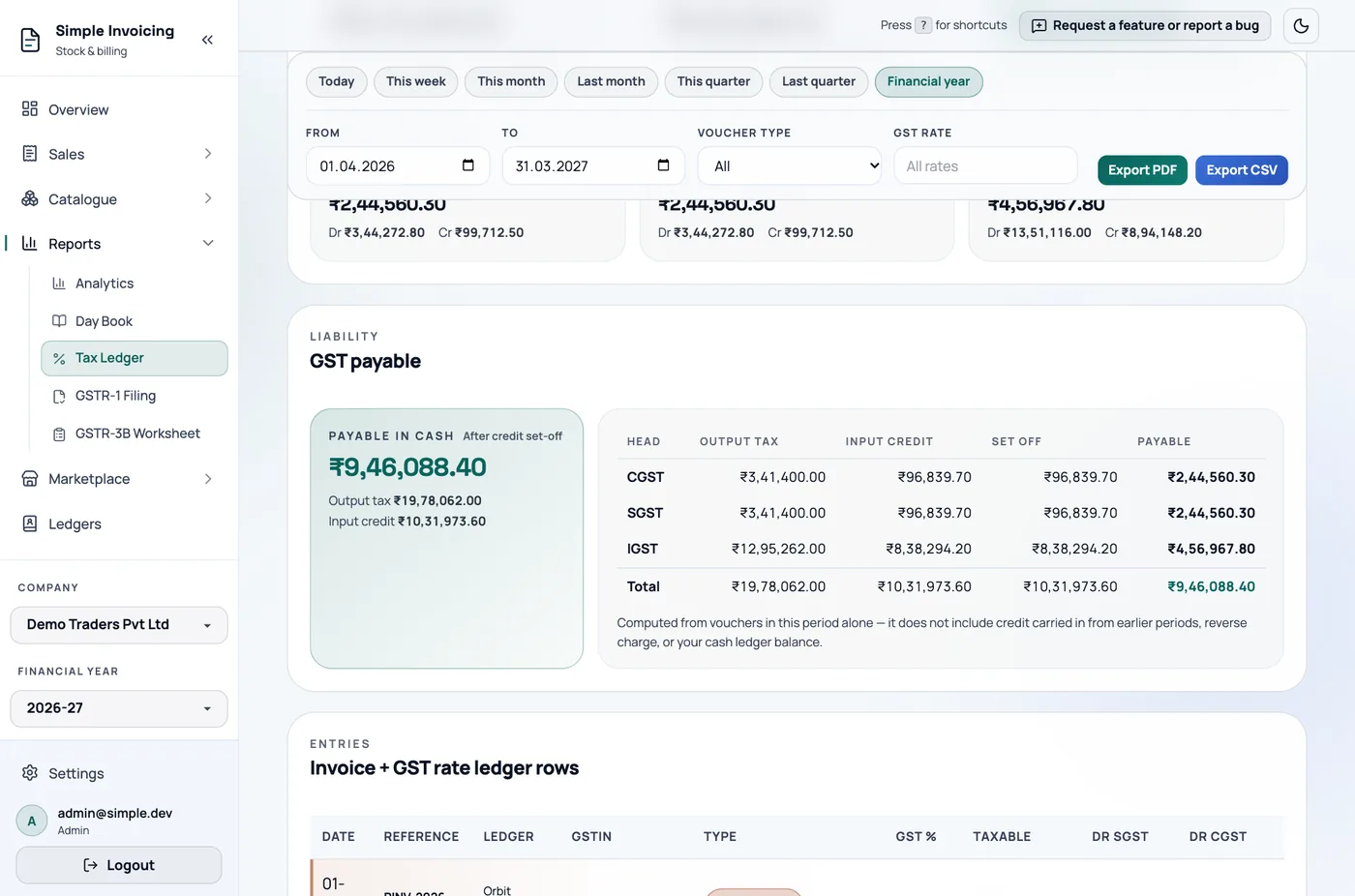
GST payable shows Payable in cash after credit set-off. The Set-off table shows, for each tax head, the output tax, input credit, amount set off and amount payable. Any credit left over is shown as carrying forward.
Credit is set off in the legally required order. IGST credit is used first, against IGST and then against CGST or SGST in whichever order leaves the least cash to pay. CGST credit pays CGST and then IGST. SGST credit pays SGST and then IGST. CGST and SGST credit never pay each other.
This is an estimate for this period only
It does not include credit carried in from earlier periods, reverse charge or your cash ledger balance. If you filter to sales only, purchases only or one rate, the page warns you that the figure no longer shows what you actually owe.
Export
Export PDF and Export CSV download the entries using your current filters.